
Setup the QuotaPath Integration
Last updated on Aug 24, 2026
Setting up the QuotaPath integration connects Maxio to your QuotaPath account so resolved commission payouts can sync in as Expense Obligations.
Important: QuotaPath is an add-on module. Contact Maxio Support to have it enabled for your account first.
For most users, the QuotaPath integration is connected and configured together with your Implementation Consultant, as part of Maxio's standard implementation process. The steps below are provided for reference. Contact Support if you have questions.
To connect the QuotaPath integration
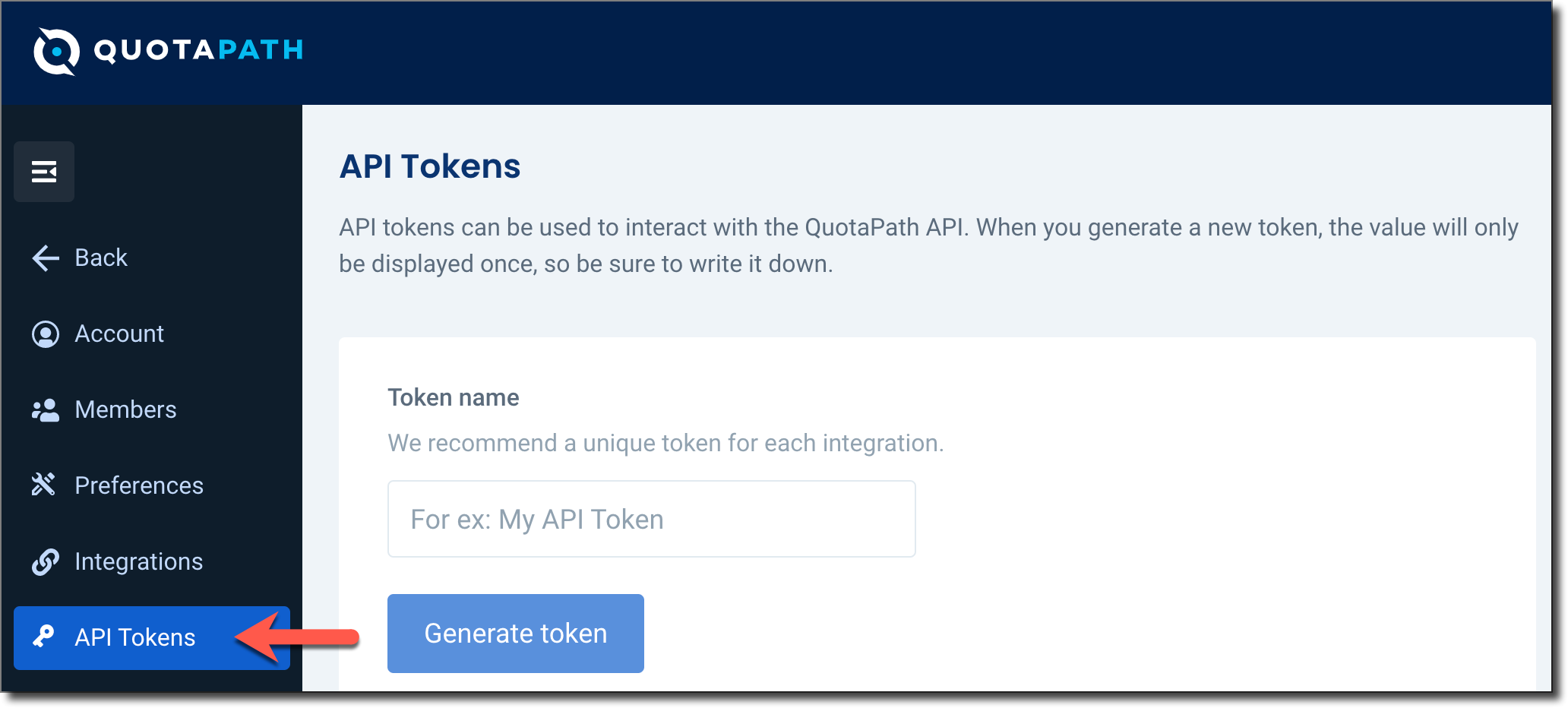
- In QuotaPath, go to Account > API Tokens and click Generate token.
- In Maxio, go to Expenses > QuotaPath, then click the pencil icon (Update Settings).
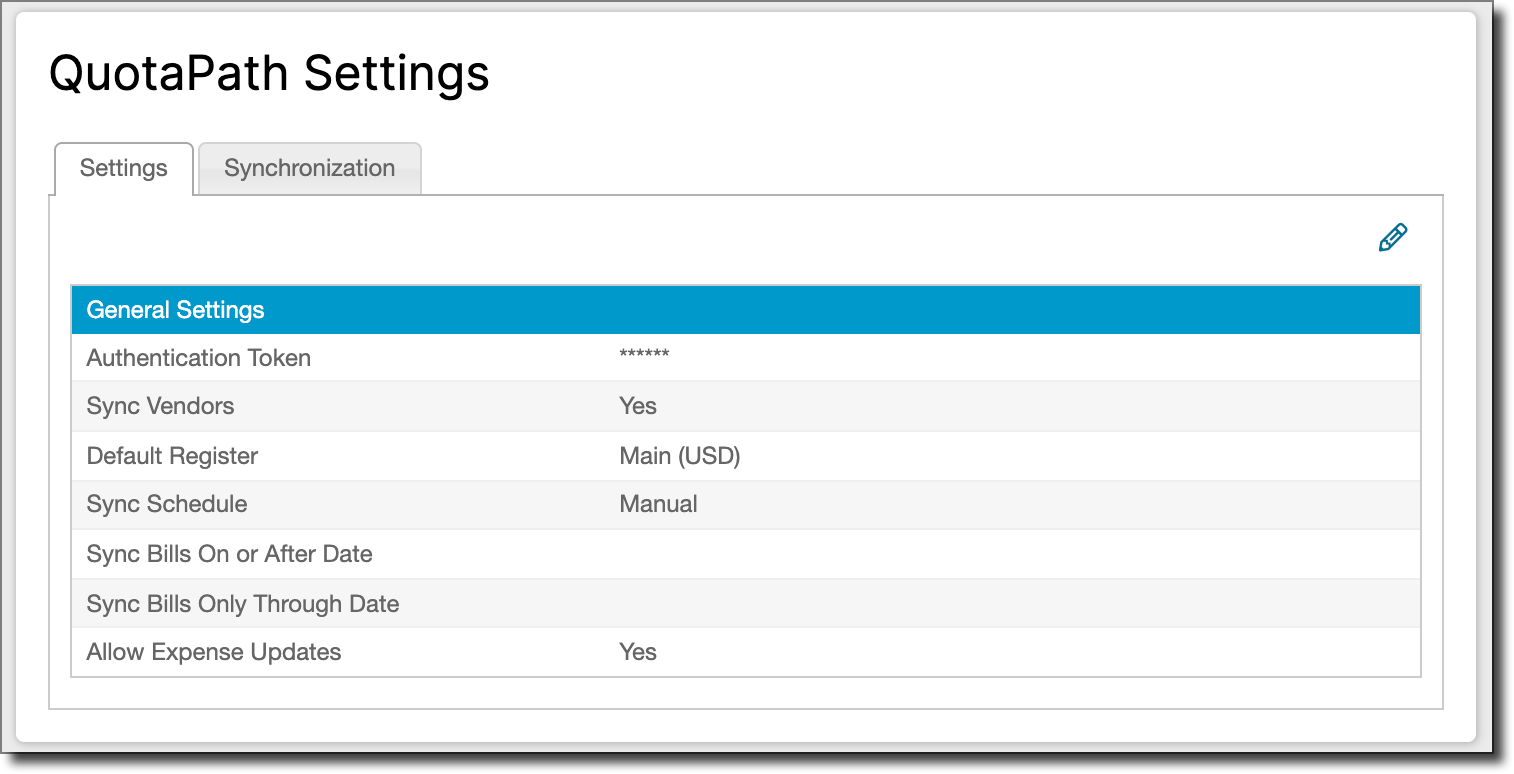
- Enter the API token from QuotaPath into the Authentication Token field.
- Configure the rest of the integration settings.
- Click Save. Your Maxio account is now connected to QuotaPath.
What to expect next
Once connected, sync your Deals and Payouts from QuotaPath, then process the Expense Obligations that come in.
Related information
To sync Deals and Payouts, see Sync with QuotaPath.
To configure the rest of your QuotaPath settings, see Configure the QuotaPath Integration.
Still need help?
Reach out and our support team will take it from here.