
Understand Products
Last updated on Aug 25, 2026
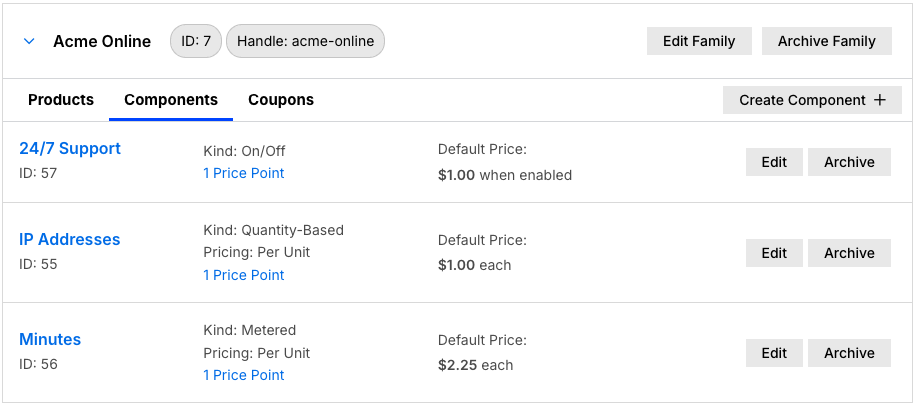
Use Products to bill for add-ons, usage charges, and one-time upgrades alongside a Plan, each with its own billing interval, pricing structure, proration rules, and self-service sign-up display options. Products help CFOs, product managers, and finance teams reduce billing complexity and improve monetization of optional features.
Think of Products as a way to make your Plans more flexible:
- Add extra features that customers can choose to include or remove.
- Offer usage-based billing for variable consumption.
- Provide optional upgrades without creating separate Plans.
Billing frequency for products
By default, Products follow the billing interval of the Plan they're attached to. You can also assign a separate billing interval, known as multi-frequency billing, to accommodate varied cadence for specific Products:
- If a Product has its own interval, it bills on that schedule independently of the Plan.
- If not, it inherits the Plan's billing schedule.
See Configure Multifrequency Billing for Products for how to set it up.
Types of products
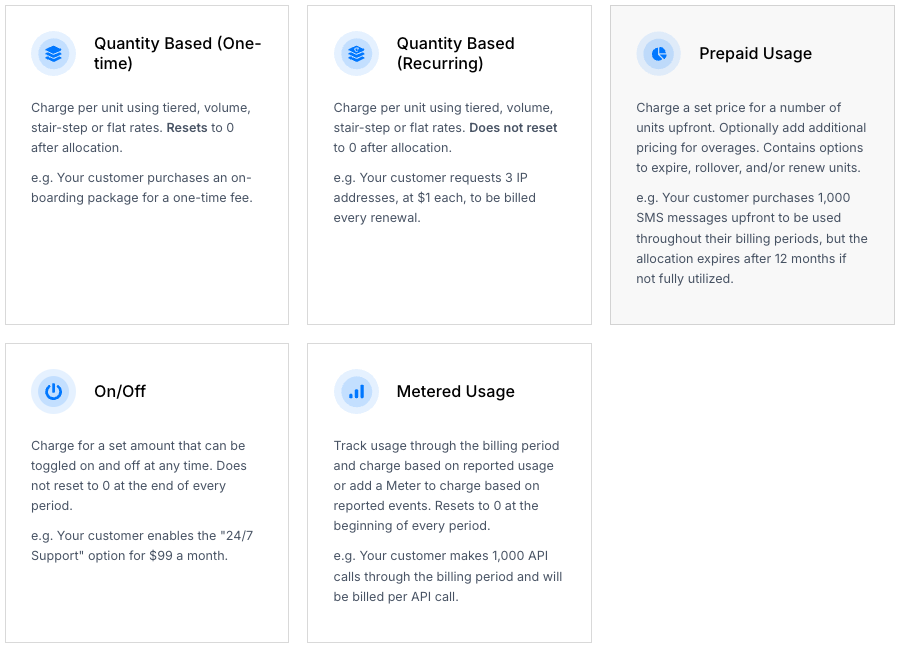
Advanced Billing offers six Product types. Some use a quantity you set (Quantity Based, On/Off); others measure usage during the billing period (Metered, Prepaid Usage, Event Based):
- Quantity Based (Recurring): charge per unit at a flat, tiered, volume, or stair-step rate, billed each period for the current quantity, which doesn't reset. Supports proration when the quantity changes mid-period. Example: Your customer requests 3 IP addresses, at $1 each, billed every renewal.
- On/Off: charge a flat amount that can be toggled on or off at any time; doesn't reset at the end of the period. Example: Your customer enables 24/7 support for $99 a month.
- Quantity Based (One-time): charge per unit at the time of allocation, then reset to zero; billed once, without recurring charges. Example: Your customer purchases an onboarding package for a one-time fee.
- Metered: track usage through the billing period and charge for it afterward; resets to zero at the start of each period. Example: Your customer makes 1,000 API calls during the period and is billed per call.
- Prepaid Usage: charge upfront for a set number of units, with optional overage pricing and rollover, expiration, or renewal options. Example: Your customer purchases 1,000 SMS messages upfront, with the allocation expiring after 12 months if unused.
- Event Based: stream real-time events to Maxio and charge based on reported events; resets to zero at the start of each period. Only available if your site has event-based billing enabled. Example: Your customer sends 10,000 SMS messages across multiple countries and is billed by message count, destination country, and carrier.
See Choose a Product Type for more on each type, or Set Up and Manage Prepaid Products for how to configure a Prepaid Product.
Creating and managing products
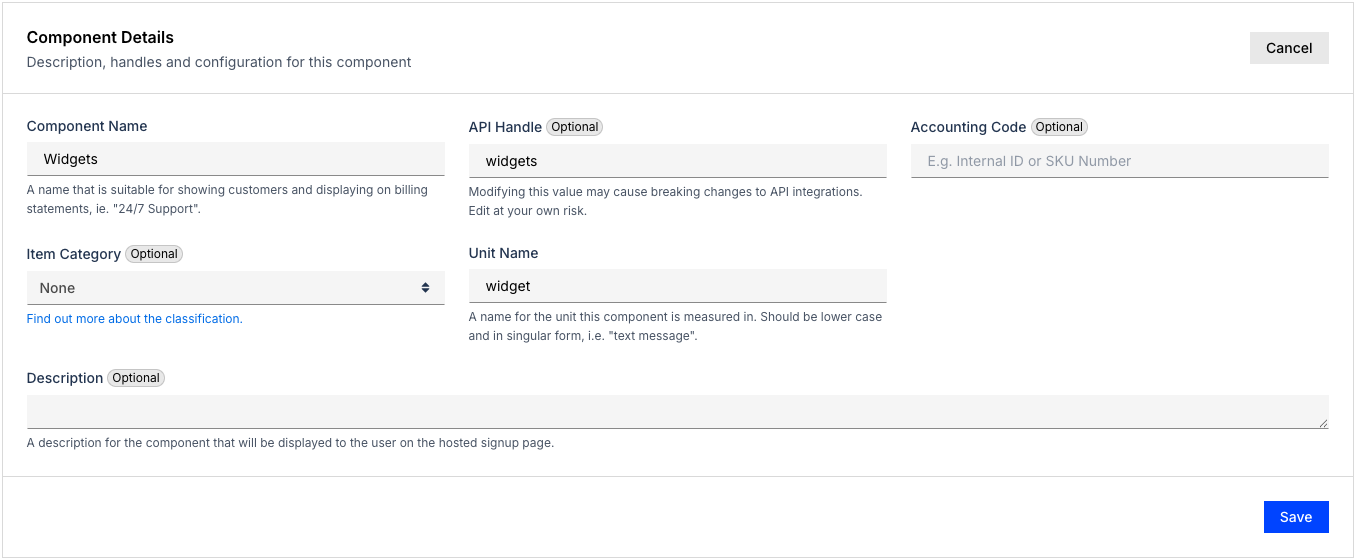
You can create, edit, and archive Products directly in the Product Catalog. See Create and Manage Products for the steps, or Create Components for a quick-start walkthrough.
- Products are specific to a Product Family, meaning they are usable only with Plans grouped in the same Family.
- Archived Products can't be added to new subscriptions, though they remain active for existing subscriptions.
- Unarchiving a Product makes it available again for new subscriptions.
Pricing and price points
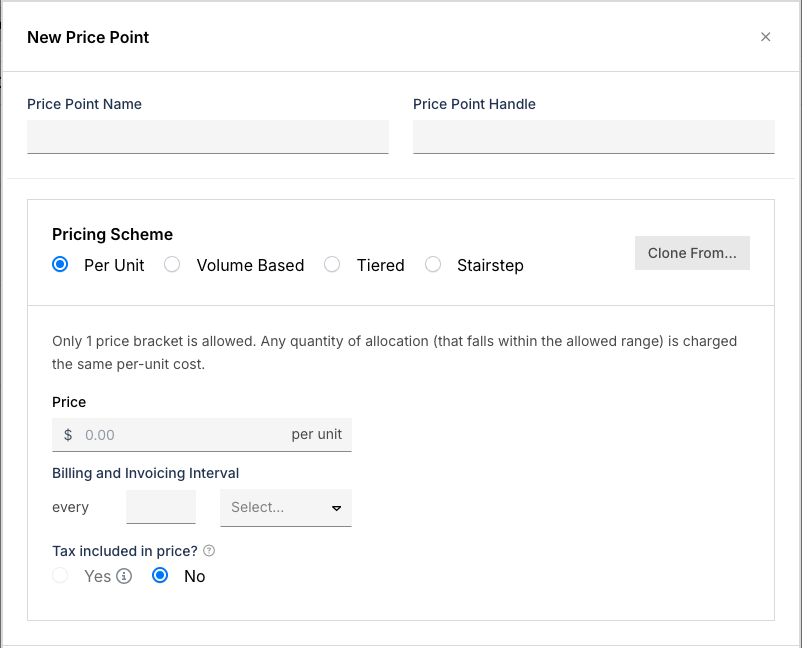
Like Plans, Products have Price Points that define their cost.
- You can define multiple Price Points per Product to support different scenarios or tiers.
- Each Price Point follows a Pricing Scheme to determine billing structure:
- Per Unit
- Tiered
- Volume Based
- Stairstep
See Set Product Price Points for how to create Price Points, and Use Product Pricing Schemes for how each Pricing Scheme works.
Product settings
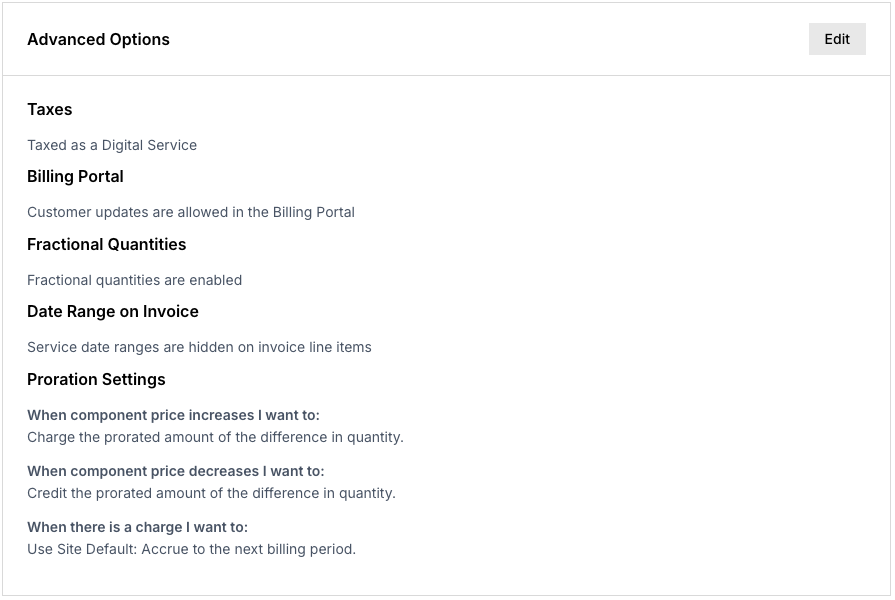
Products include a variety of settings that control behavior, billing, and presentation:
- Taxes
- Allow customer updates in Billing Portal
- Enable fractional quantities
- Hide the service date range from Invoice Line Items
- Enable Custom Proration
See Understanding Product Settings for the full list, or Configure Product Settings for how to set your site's default proration scheme.
Still need help?
Reach out and our support team will take it from here.