
Use Quick Actions
Last updated on Sep 19, 2026
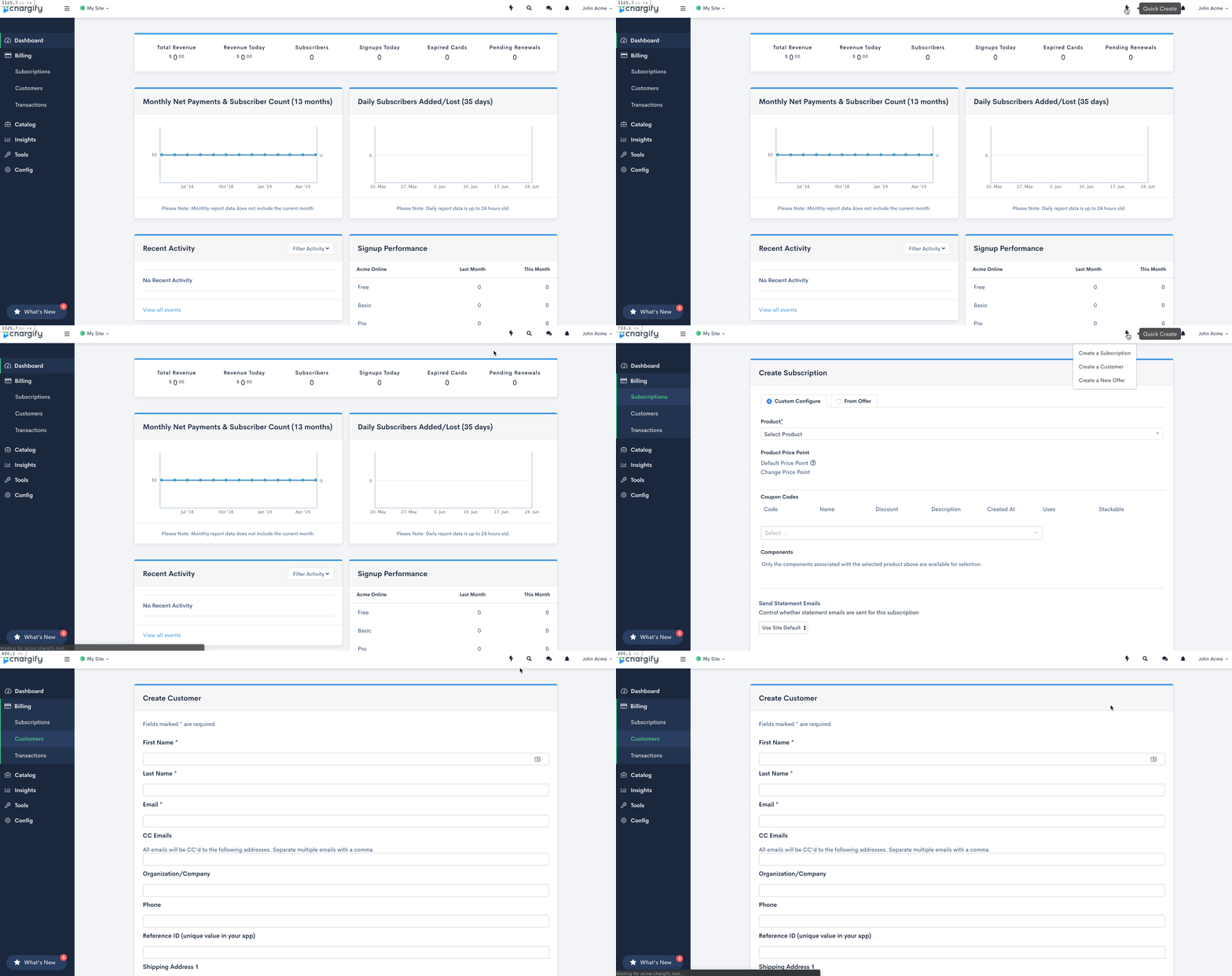
Quick Actions opens the create forms for Subscriptions, Customers, and Offers from anywhere inside a site, so you don't have to navigate to the right list first.
Open quick actions
Click the lightning bolt icon in the top bar and choose an option. The form opens over whatever page you were on.
Permissions and availability
Quick Actions appears only while you're inside a site, and only for users with the permission described as manages subscribers and customers or manages product catalog, settings, and integrations. Which options you see depends on which of those you have:
- Create Subscription and Create Customer need the permission described as manages subscribers and customers.
- Create Offer needs the permission described as manages product catalog, settings, and integrations.
Important: If your site has no products yet, Create Subscription and Create Offer take you to the Products page instead of a create form, since neither can be built without a product.
Related information
For what you're creating in each case, see the Understand Subscriptions, Understand Customers for Subscription Management, and Create and Configure Offers help articles.
Still need help?
Reach out and our support team will take it from here.