
Configure Prepayment Settings
Last updated on Sep 19, 2026
Prepayment settings control when a subscriber's available prepayment balance is applied against their invoices. You set this separately for automatic and remittance collection, so a site that charges cards automatically and one that invoices for remittance can behave differently. Changing them requires the permission described as manages product catalog, settings, and integrations.
Choose how prepayments are applied
Go to Config > Settings > Prepayments and choose an option for each collection method, on the Prepayment Strategies pane.
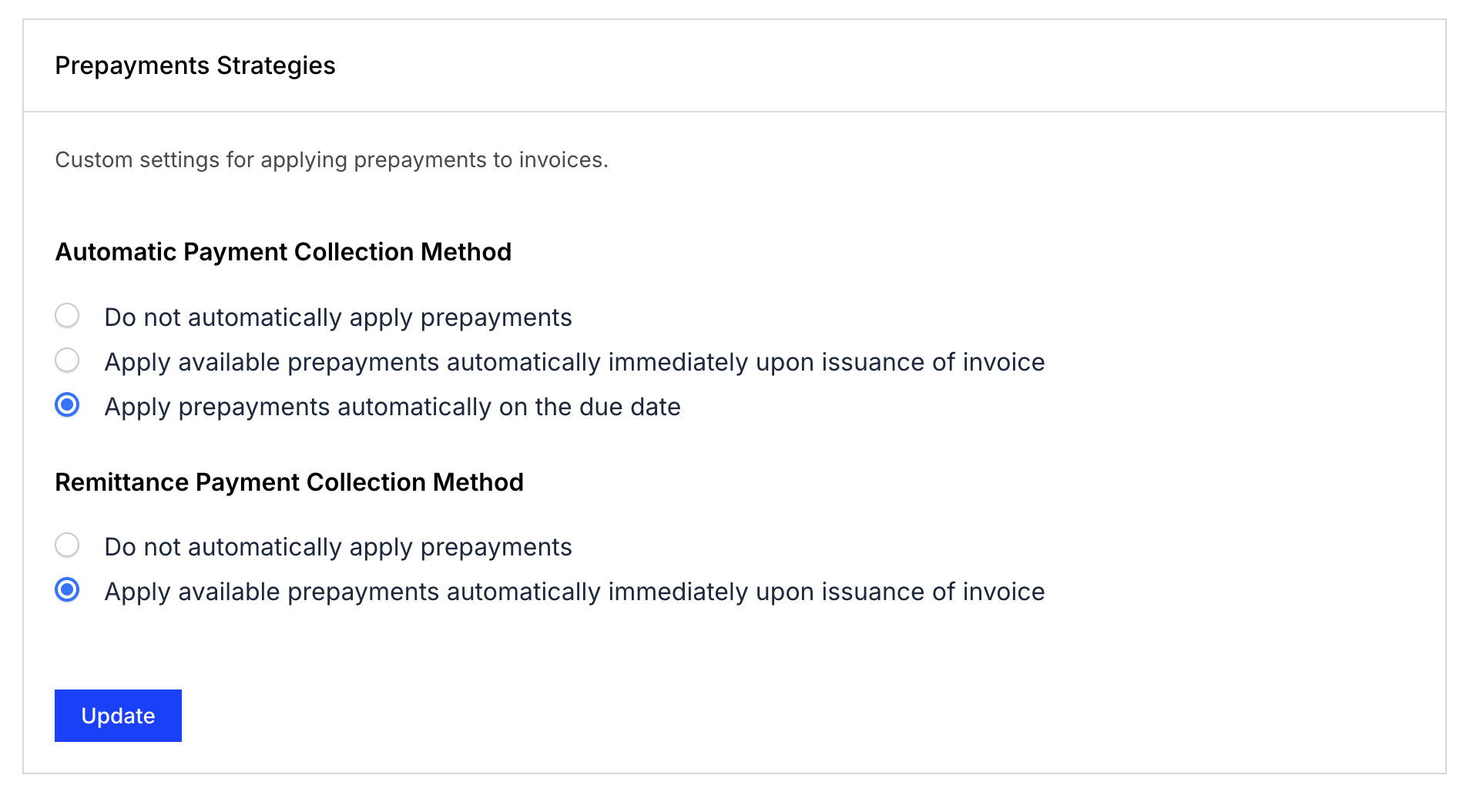
Automatic payment collection method:
- Do not automatically apply prepayments
- Apply available prepayments upon invoice issuance
- Apply prepayments automatically on the due date - This is the default setting. Invoices with Net Terms are excluded: they don't get prepayments applied automatically under this option.
Remittance payment collection method:
- Do not automatically apply prepayments
- Apply available prepayments upon invoice issuance - This is the default setting.
Note that the due-date option exists only for automatic collection. Remittance invoices either apply prepayments at issuance or not at all.
Related information
Prepaid subscriptions default to a Net Terms of 0 rather than the site default; see the Understand Net Terms help article.
For the full list of settings available for your site, see the Understand Advanced Billing Site Settings help article.
Still need help?
Reach out and our support team will take it from here.